Free Tesla wraps, or design your own.
A free wrap designer built on Tesla's official Paint Shop templates. Click any panel of your car and fill it — a color, AI-generated art, your own text, freehand paint — or generate a full pattern in a second. Or grab a free ready-made wrap for your model. Exports a PNG that meets Tesla's spec, and since the 2026 Summer Update you can send it to your car straight from the Tesla app. No signup.
We track 348 things Elon Musk promised and whether they landed. Custom wraps is one he actually shipped — so here is a tool for it. The ones that didn't ship →
Templates load directly from Tesla's official repo. Content on the upper half of the template is auto-rotated so it reads correctly on the car. AI images: 15 a day per visitor. The 3D preview is approximate — the flat template is exactly what your car reads.
On your phone: press and hold the image and choose Save to Photos, then send it to the car from the Tesla app. Or drop it in a Wraps folder on a USB drive.
Free Tesla wraps, ready to download
No time to design one? Pick your car, then download any of these. Each file is a full Paint Shop wrap drawn on Tesla's official template size for that model: a PNG under 1 MB, inside Tesla's published limits. Free, no signup.
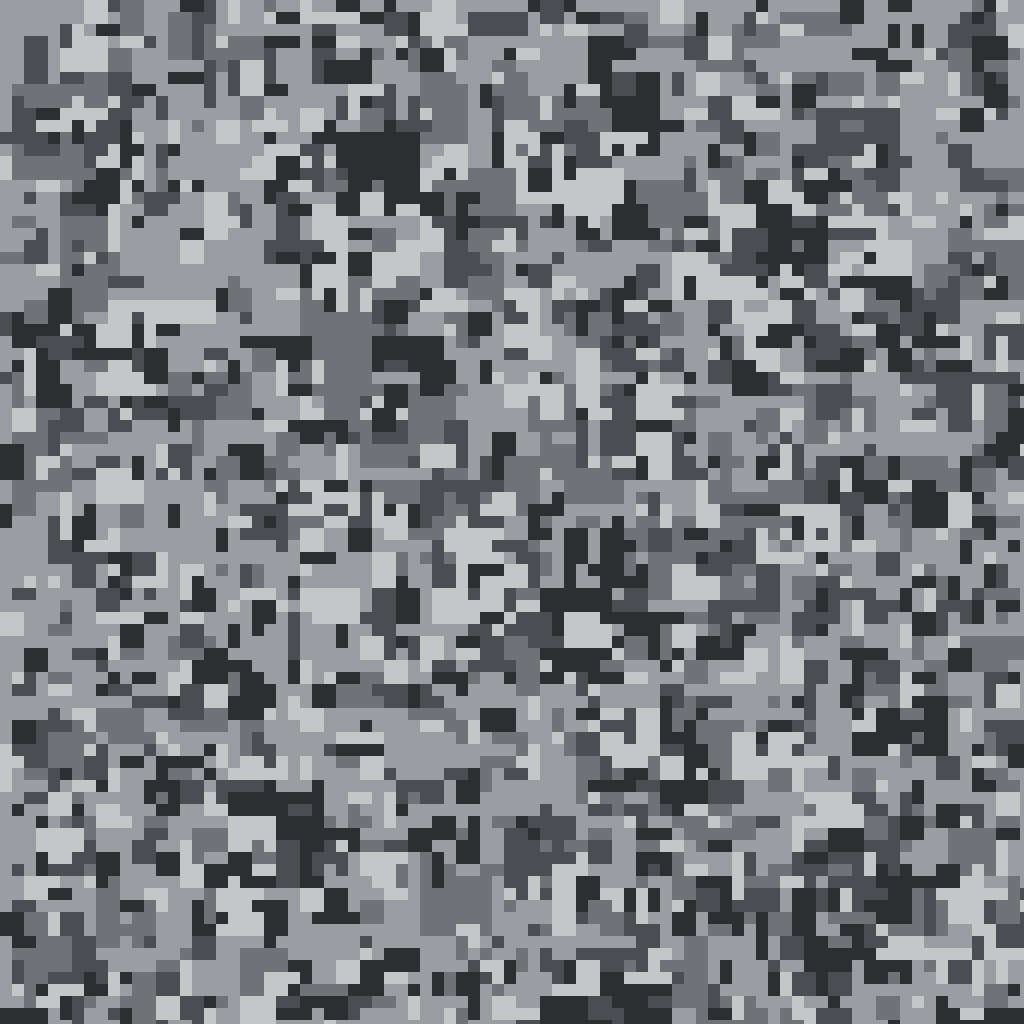
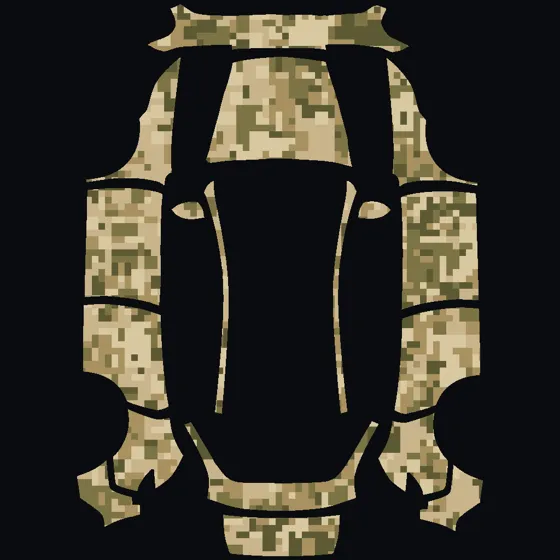 Desert digital camo
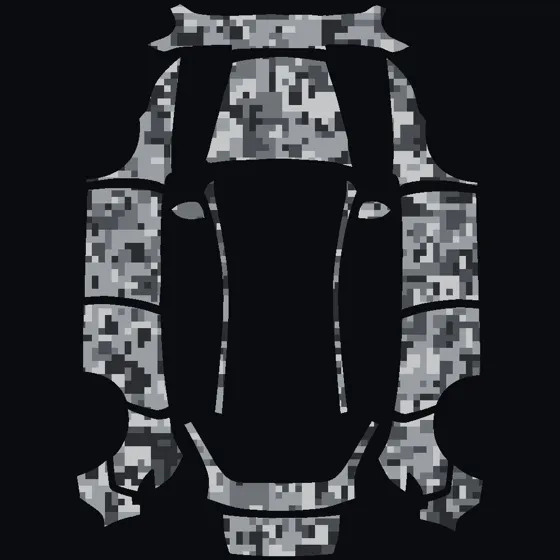 Urban digital camo
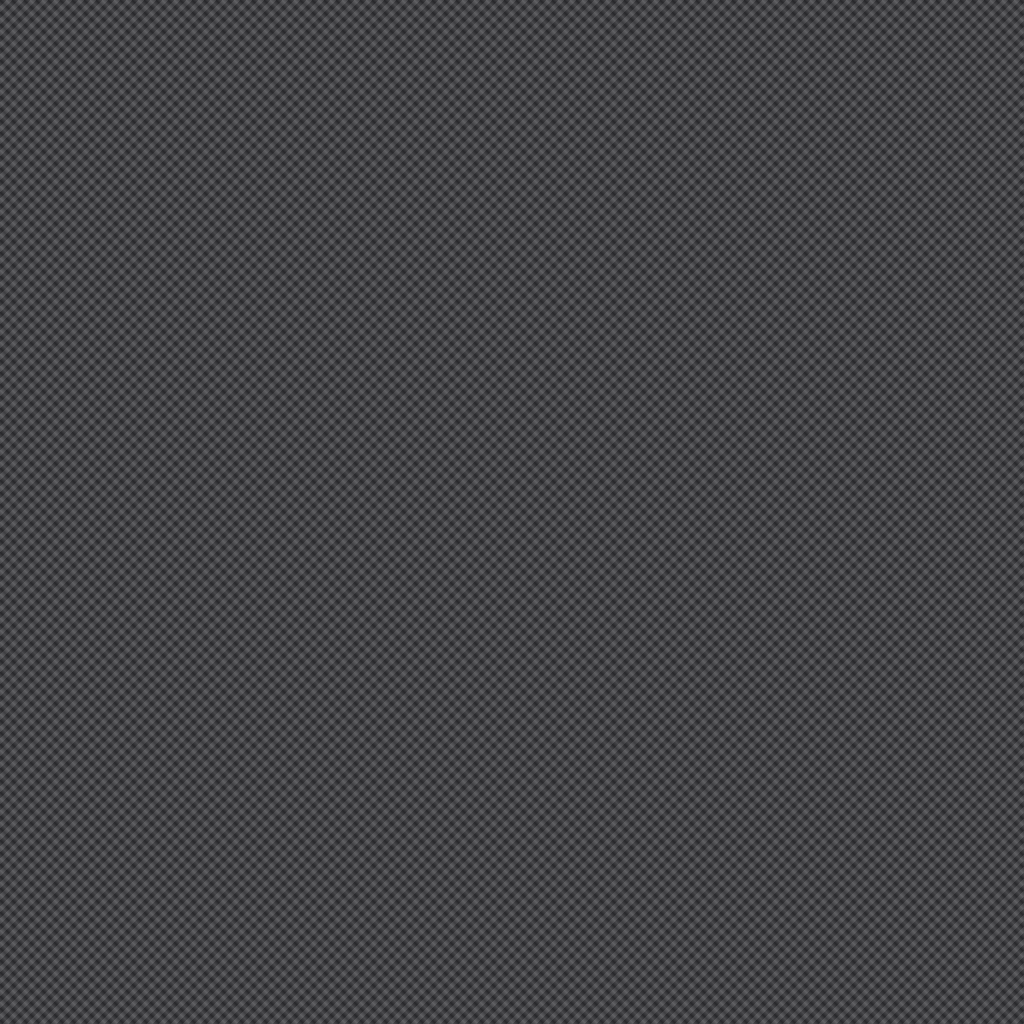
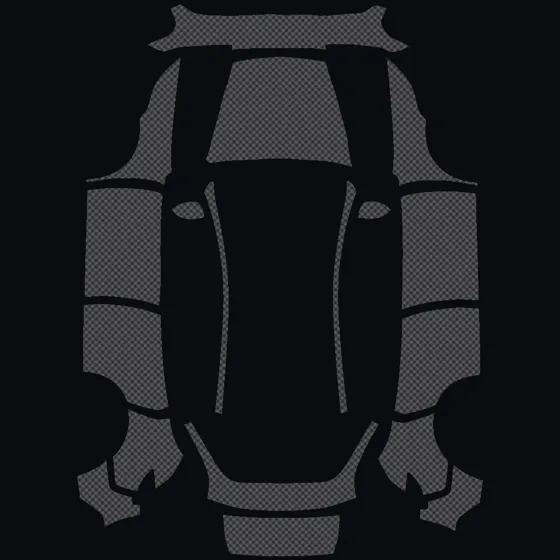 Carbon weave
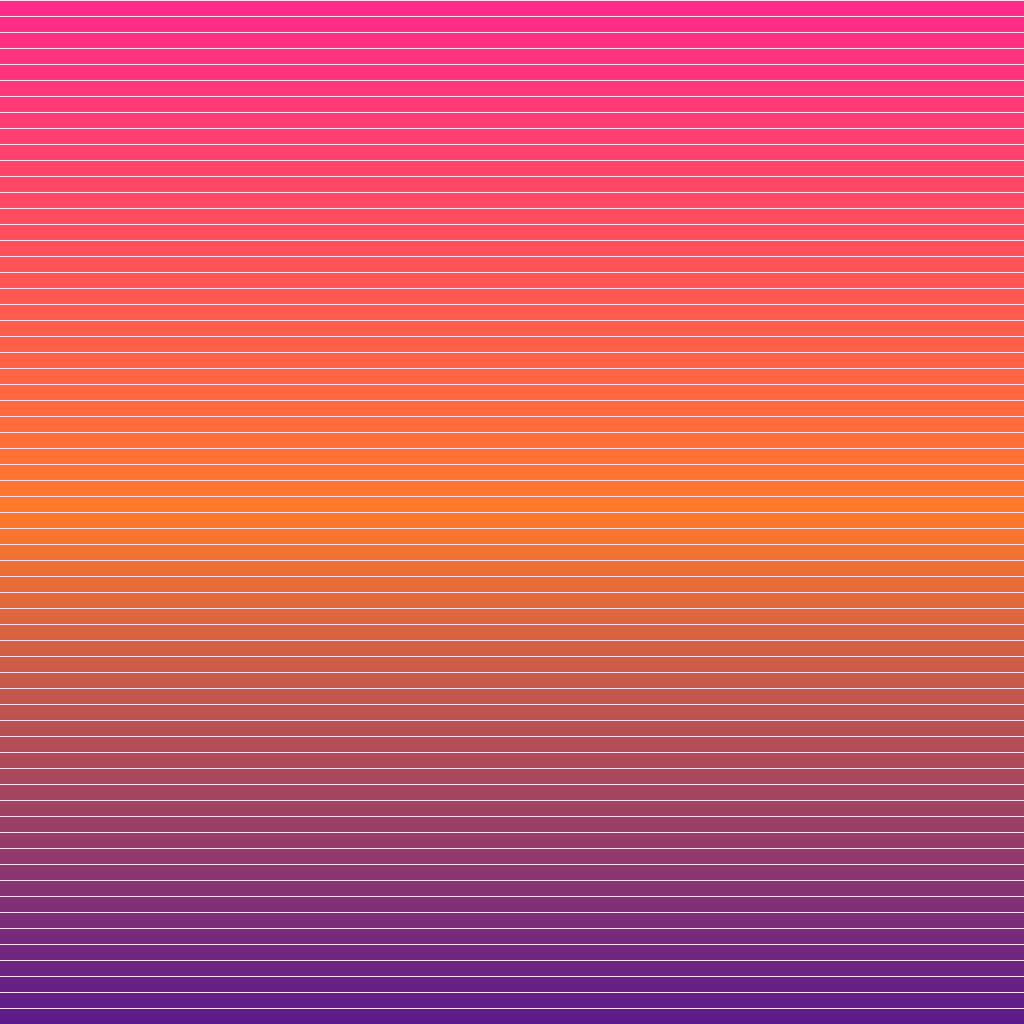
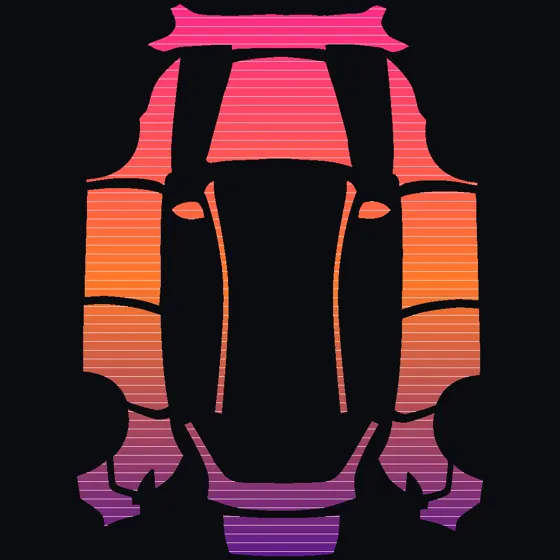 Synthwave sunset
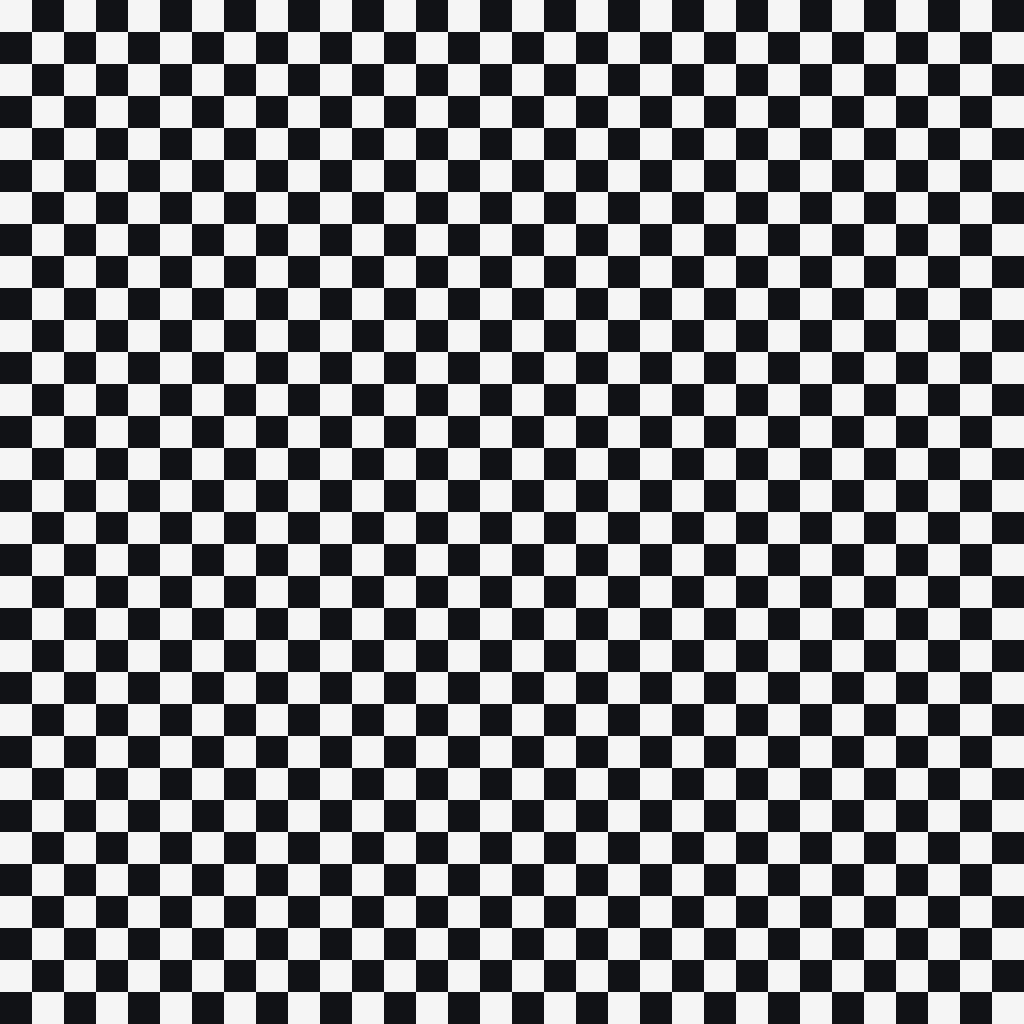
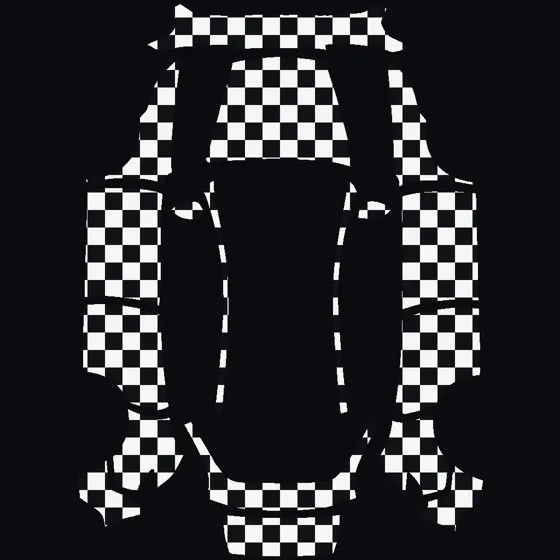 Checkered flag
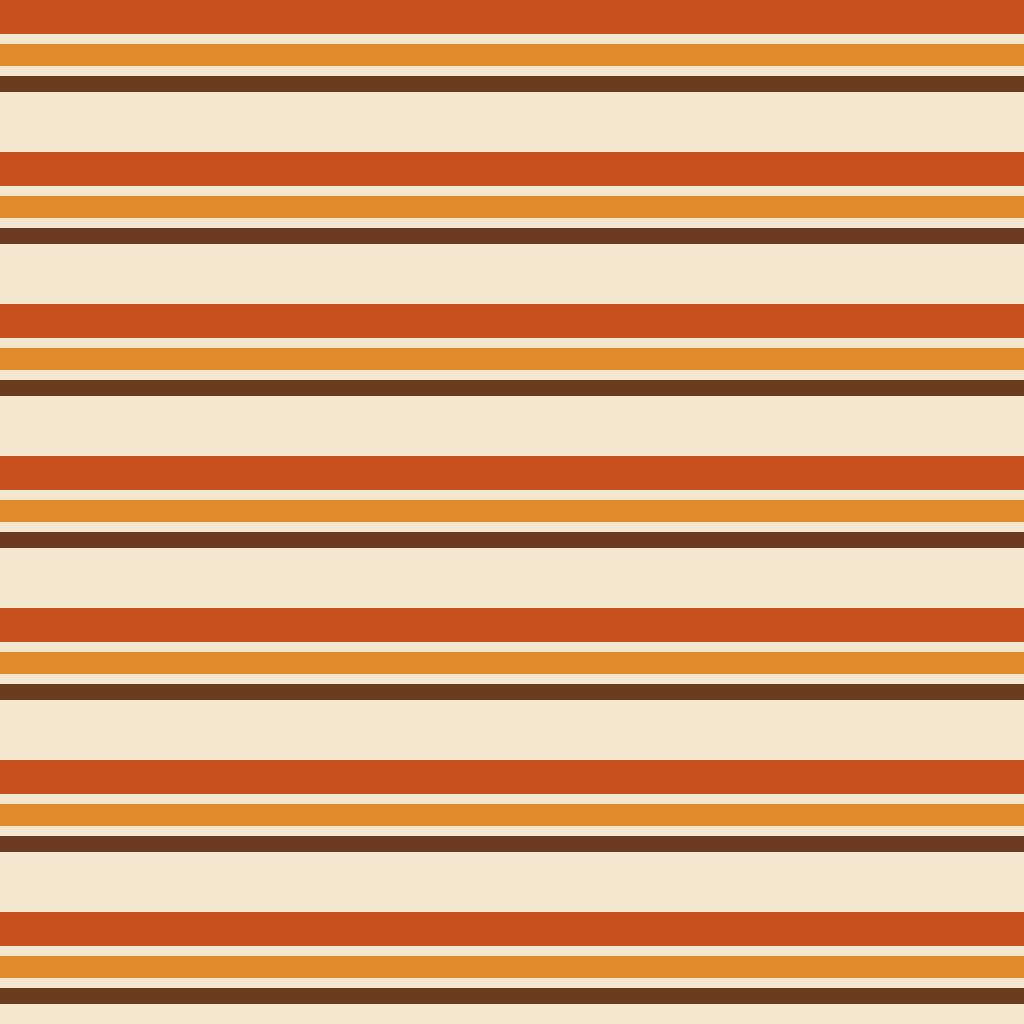
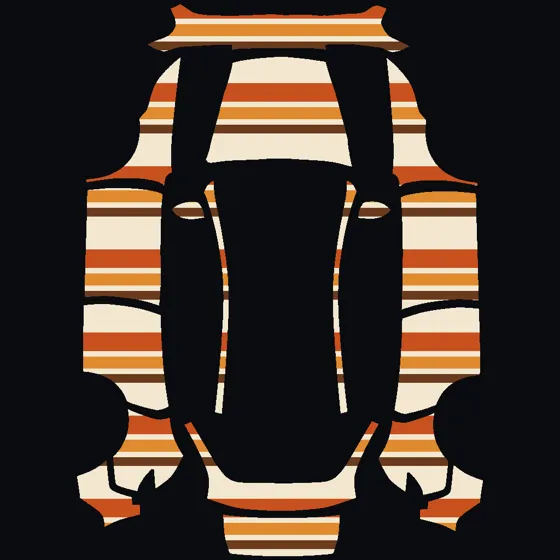 Retro 70s stripes
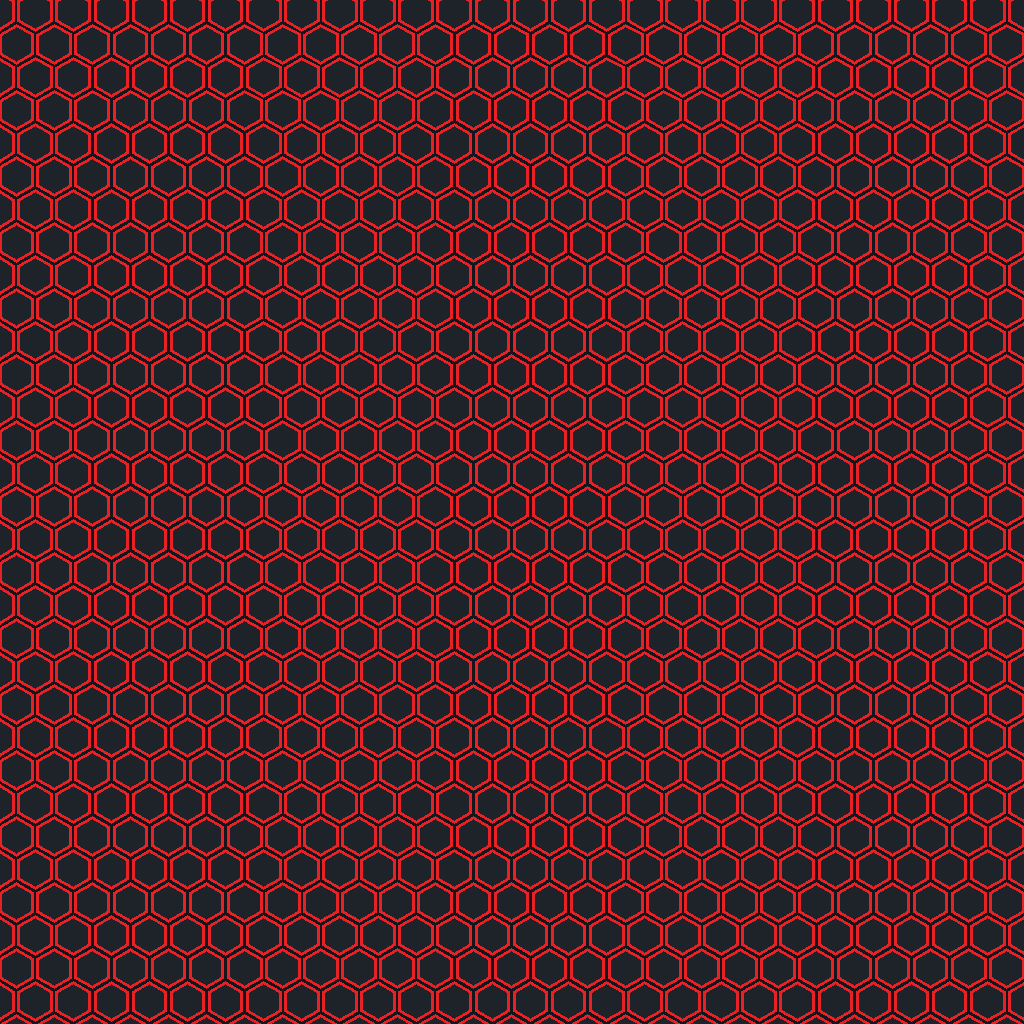
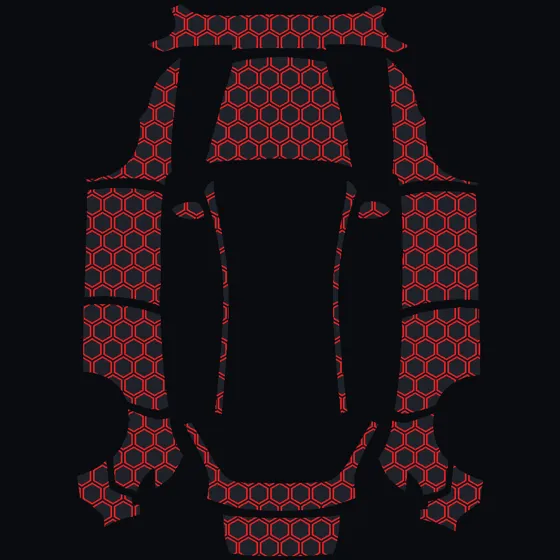 Red honeycomb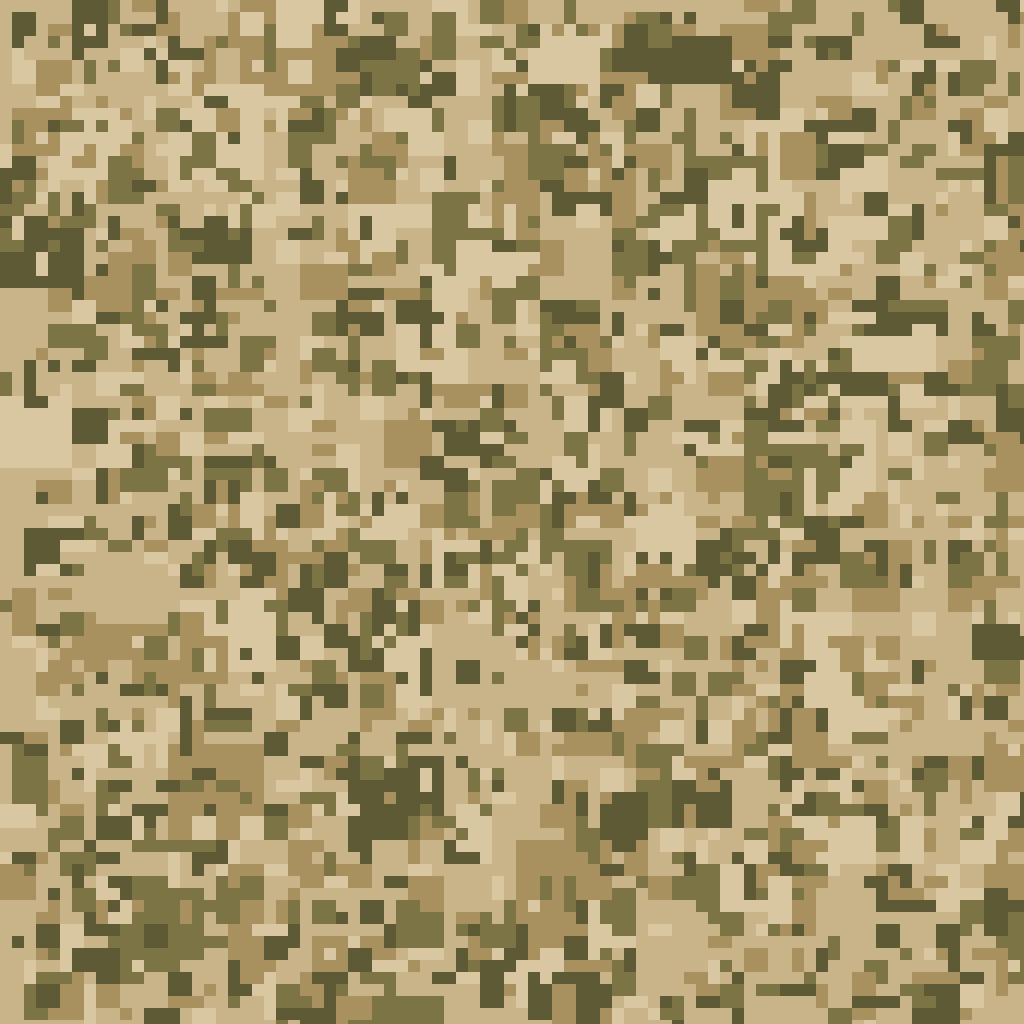
Getting it onto the car
Tesla's 2026 Summer Update added wrap upload straight from the phone, so the USB step is now optional. Its release notes put it plainly: “Skip the USB drive and upload a custom wrap of your car from the mobile app.”
- Save the PNG to your phone — tap Download above, or press and hold the image and choose Save to Photos.
- Open the Tesla app and send the wrap to your car.
- In the car: Toybox → Paint Shop → Wraps, then pick your design.
Needs the 2026 Summer Update on the car. Tesla hasn't published the exact tap path in the app yet — look for the wrap or Paint Shop option on your vehicle's screen in the app.
- Format a USB drive as exFAT, FAT32, MS-DOS FAT, ext3 or ext4. NTFS will not work.
- Create a folder named Wraps at the root of the drive and drop your PNGs in.
- Plug it into the car, then open Toybox → Paint Shop → Wraps.
Keep map and firmware update files off the drive or the car may ignore it.
Either way the limits are the same: PNG, 512×512 to 1024×1024, under 1 MB, up to 10 images, filenames 30 characters or fewer. Tesla's official templates and full requirements live in the teslamotors/custom-wraps repo.
Independent fan tool. Not affiliated with, endorsed by, or connected to Tesla, Inc. Wraps change the in-car visualisation only — this is not vinyl and will not alter your actual paint.